
Action cards · Visual schedule
Your child's day,
one action card at a time
Write something like "wash face and get dressed in the morning," and ELUM breaks it into easy steps on cards.
Free to start · iPhone · iPad · Android

Morning routine
- Brush your teethPut toothpaste on the brush
- Get dressedPut on your top first
- Put on your backpackGo to the front door
All done: a favorite snack
How it works
Write, check, and do it together

Describe the situation
One line is enough, the way you'd normally say it. You can also pick an example routine.

Check the cards
You edit and save the steps AI suggests. Only cards you've checked are shown.

Follow along, one by one
Your child looks at the picture, listens to the voice and checks it off. At the end comes the reward you chose.
Card pictures
Pictures that suit your child
Choose from four picture styles. You can switch anytime.

Emoji pictures
Shows objects with friendly emoji
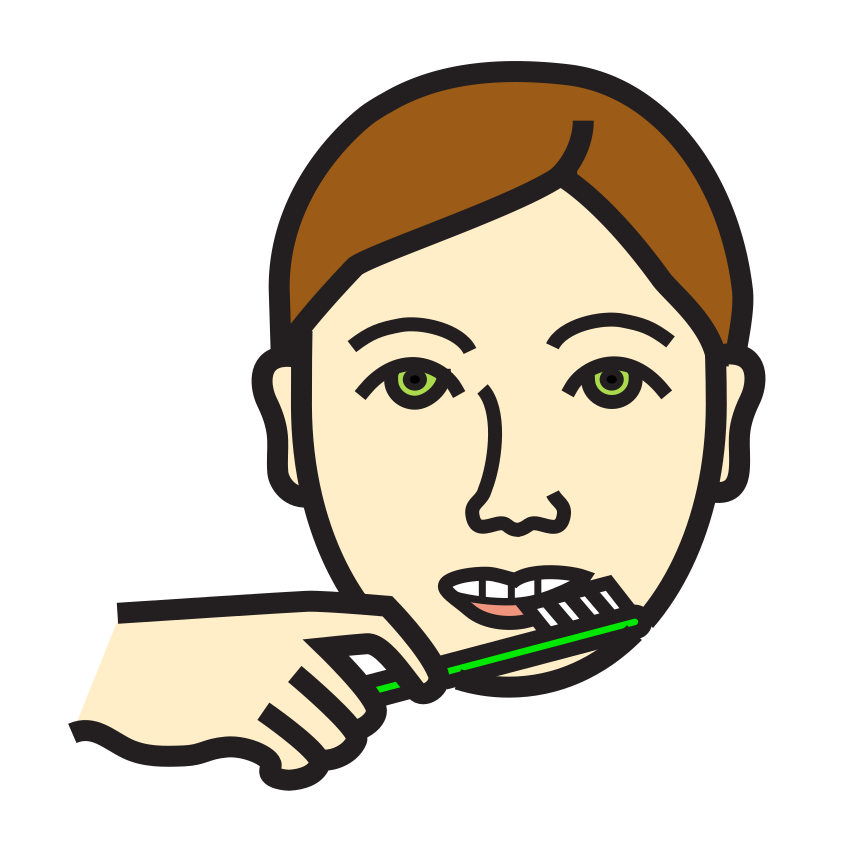
Picture symbols
Shows the action as a line drawing
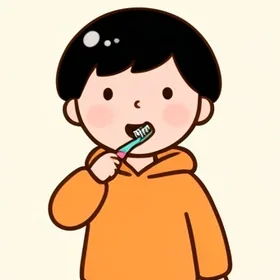
Cartoon pictures PRO
A cartoon child shows how it's done
Photo-like pictures PRO
Looks like the real thing
Design principles
Easy to set up, theirs to do
ELUM is built on the principles of Applied Behavior Analysis (ABA).
- One action per cardEach card shows what to do, how to do it, and the reward at the end.
- Short sentences, pictures and voiceYour child sees, listens and follows along one step at a time.
- Praise and a star right awayIt leads up to the reward the caregiver chose.
Who we had in mind
When the order is clear, the day gets easier

Mornings and evenings
Washing, getting dressed and getting ready for bed, in order

School and study
Getting ready for school and homework, one step at a time

Chores and doing it yourself
Tidying up and setting the table, even on their own

Trying things outside
Look ahead at riding the bus or buying something
Guides
New to action cards?
A plain guide to what action cards are and how to make and use them.
What are action cards? How to make a visual scheduleAction cards show one task per card with a picture. Learn why a visual schedule is easier to follow, plus steps and examples for making one at home.ABA principles: 4 ideas to use in daily routinesThe basics of ABA (Applied Behavior Analysis) in plain words: break tasks down, show them first, help then step back, and reward right away in routines.Task analysis: breaking routines into small stepsWhen "brush your teeth" is too much, break it down. Use task analysis to turn brushing, dressing and handwashing into action card steps, with examples.How to choose rewards: small, right away, decided aheadHow to choose a reward for finishing a routine: pick small rewards you can give right away, use a sticker or star reward chart, and fade rewards over time.
Turn today's routine into action cards
It's free to start. Your child sees cards only after a caregiver has checked them.
FAQ